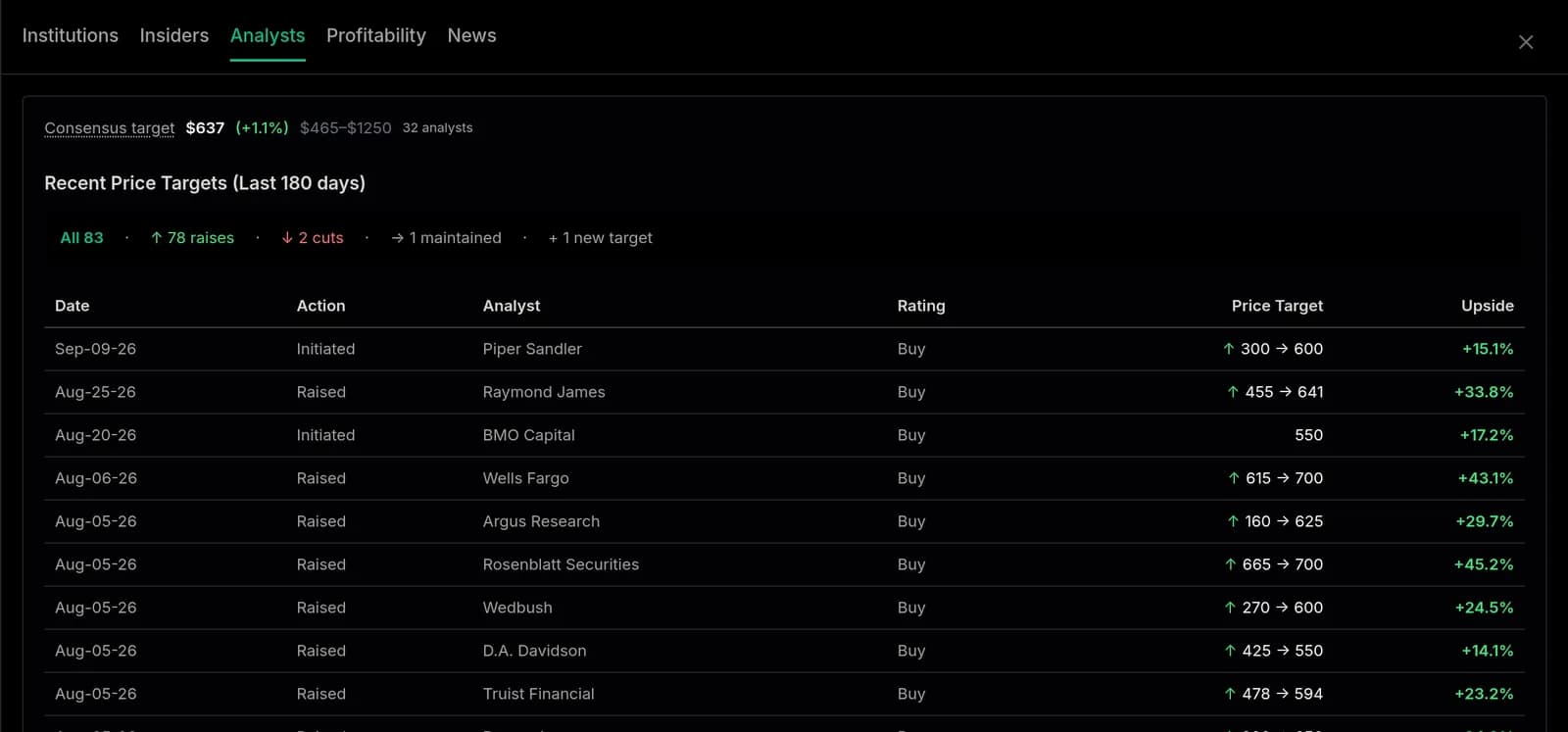
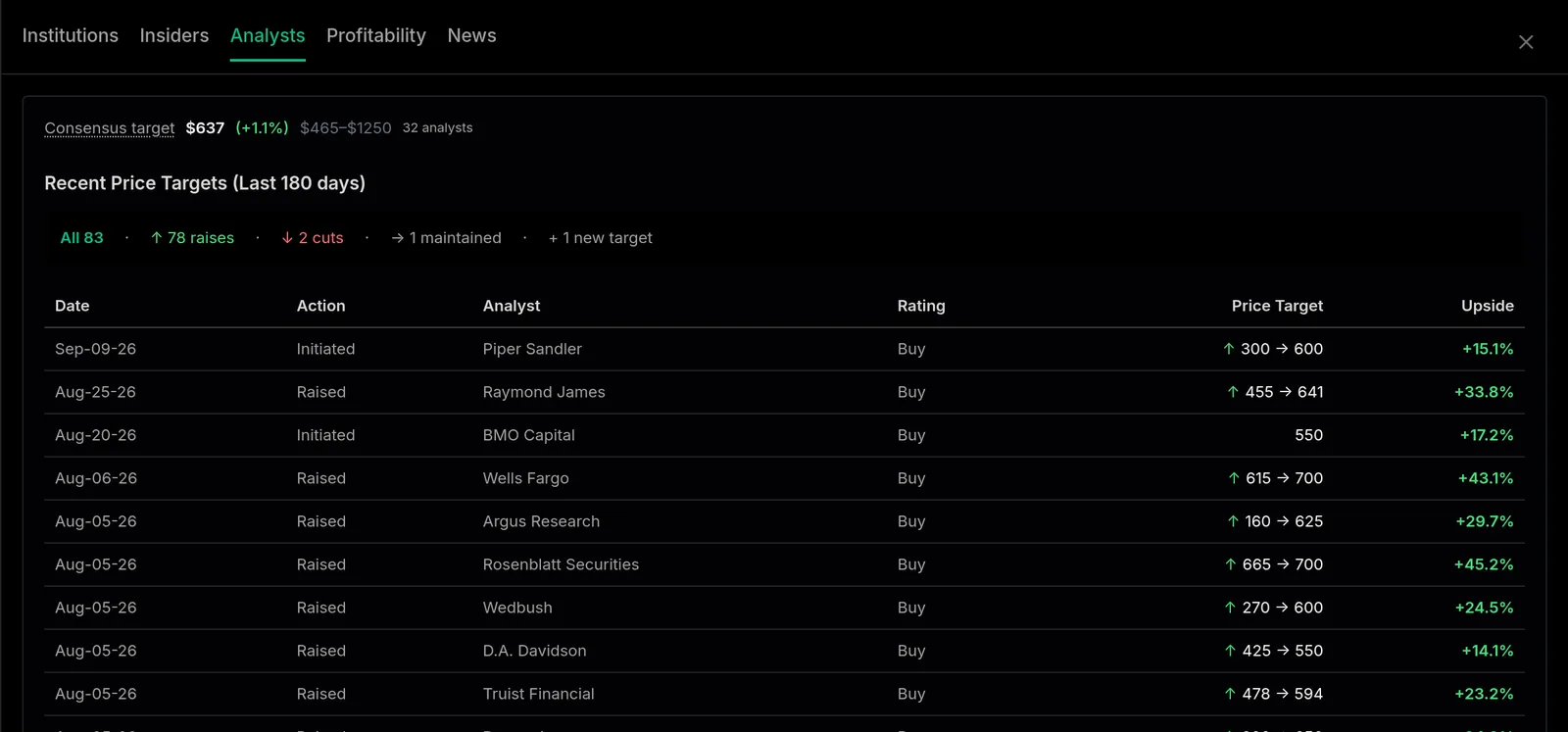
Slide out institutions, insiders, analysts, profitability, and news without leaving the chart.
Where: On any stock page, press \ (backslash)
Every stock page has a slide-out drawer that keeps the deeper data one keystroke away, so the chart and earnings table stay front and center.
Open and close it
Press \ (backslash) on any stock page to open or close the drawer.
The tabs
Inside you will find:
Institutions - who owns the stock and how that is changing
Insiders - recent buying and selling by company insiders
Analysts - rating and price-target activity
Profitability - margins and returns
News - the latest headlines with quick context
The tabs across the top of a stock page open the same drawer.
The Analysts tab: the consensus target and every recent price target change
Move fast
Press 1 through 5 to jump straight to a tab, or use the left and right arrows to move between them. Everything is built so you can keep your hands on the keyboard.